Feature · Assets
Document management
Briefs, contracts, and references live with the production they belong to, findable when you need them.
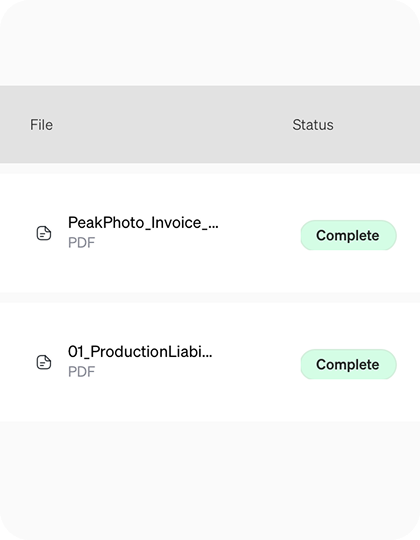
What it's for
Every document, in context.
Briefs in Drive, contracts in email, references in a chat thread. Production documents scatter across tools and vanish exactly when you need them.
prepros keeps every document on the production it belongs to, so the brief, the contract, and the references are one click from the work.
Filed by production
Documents live with the shoot, not a shared drive.
Findable fast
One place to look, no hunting across apps.
Shared with the team
Everyone sees the docs relevant to their role.
How teams use it
01
Upload the docs
Add briefs, contracts, and references to the production.
02
Keep them together
Everything sits with the shoot it belongs to.
03
Find them later
Open the production and the documents are right there.
Documents for every production
Treatments
Keep the treatment next to the plan.
Releases
Store talent and location releases.
Scripts
Keep the latest script draft with the production.
Contracts
Cast and crew contracts in one place.
Compliance
Insurance and permits on the production.
Consent forms
Contributor releases stored with the shoot.
Research
Notes and sources beside the shoot.
Grant paperwork
Funder documents where you need them.
Explore more features