Free tool
Moodboard maker
Drop in images, arrange your board, and export it — no account needed.
Build a moodboard in your browser. Drag and drop your own images onto the board, move and resize them freely, then export the whole board as an image. Everything stays on your device — no sign-up, no upload.
Drop images here
or use Upload — they snap into a grid, just like in prepros.
0 images · drag to rearrange, drag any edge or corner to resize — images auto-arrange to fill the grid. Undo/redo your moves. Board is session-only, so export to keep it.
Inside prepros
Lock the look before you shoot.
A moodboard is where the creative direction gets decided. References scattered across Pinterest, screenshots, and email threads leave everyone guessing on set.
In prepros, the moodboard lives on the production itself. Pull references, arrange them the way the shoot should feel, and share it, so the photographer, stylist, and client all see one direction before day one.
Pull references fast
Drag in images, drop links, or upload from a shoot. Everything lands on one board.
Arrange & resize
Lay the board out the way the shoot should feel. Group by look, scene, or section.
Share anywhere
Send the team or client a link (password-protected if you need it) so the direction is agreed before day one.
More free tools
Every one runs in your browser — no account required.
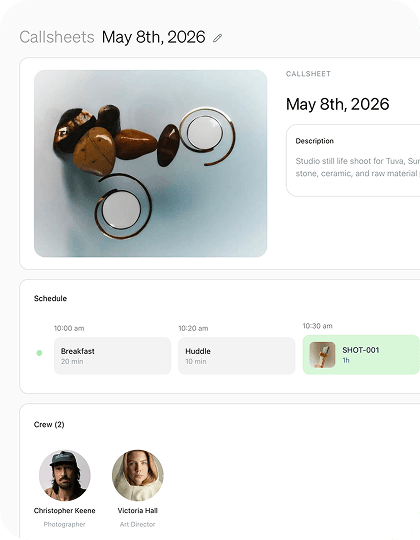
Call sheet generator
FreeFill in your shoot details and export a clean, printable call sheet.
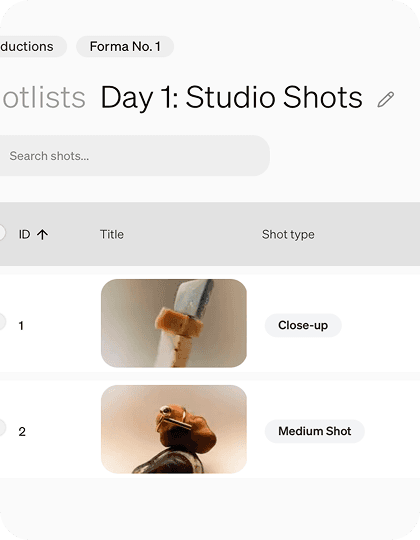
Shot list maker
FreePlan every frame in a simple, reorderable shot list. Export to CSV or PDF.
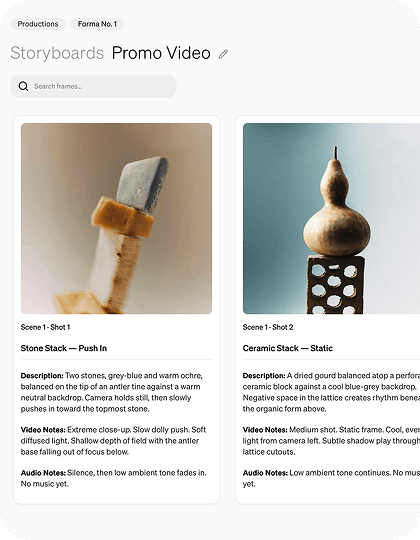
Storyboard maker
FreeSketch out your shots frame by frame with images and notes.
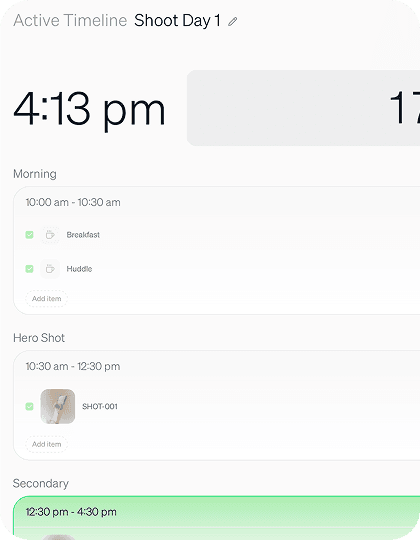
Active timeline builder
FreeRun your shoot day live — a ticking clock, time blocks, shots, and crew.
Styling board
FreeOrganize your looks with reference images and per-look item lists.