Free tool
Active timeline builder
Run your shoot day live — a ticking clock, time blocks, shots, and crew.
Build your shoot day as an active run-of-day timeline. Add time blocks, then drop in shots (image, notes, duration, crew) or activities like lunch. A live clock counts down the block you’re in, turns it green while it’s happening and red if it runs over, and fades shots as you check them off. Export to print or PDF. Saved locally as you build it.
Inside prepros
Run the day from one live schedule.
Shoot days run on a schedule that usually lives on paper, printed the night before, out of date by the second setup, invisible to anyone not holding it.
In prepros, the timeline is live: time blocks hold your shots and activities, the current block counts down, finished items get checked off, and anything running late turns red—for everyone, including the shared link.
Blocks & shots
Schedule shots from your shotlists into timed blocks, with durations and start times.
Live on set
A running clock and countdown on the active block; late blocks flag themselves red.
Feeds the call sheet
Link the timeline to a call sheet and the schedule prints block by block.
More free tools
Every one runs in your browser — no account required.
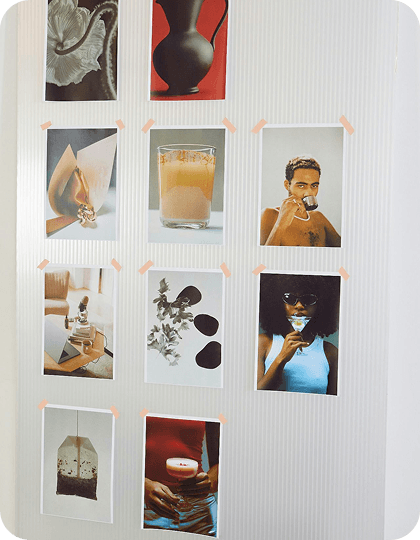
Moodboard maker
FreeDrop in images, arrange your board, and export it — no account needed.
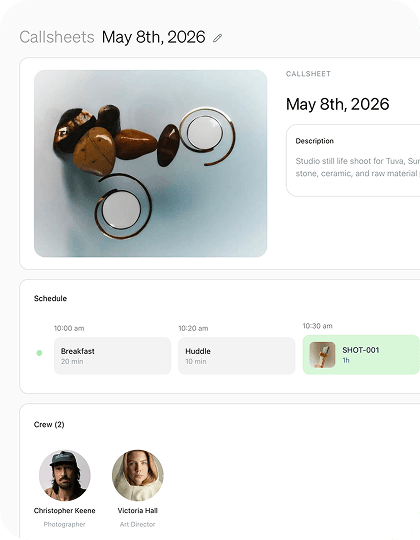
Call sheet generator
FreeFill in your shoot details and export a clean, printable call sheet.
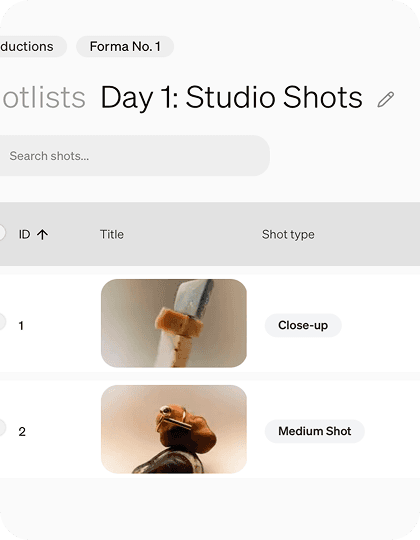
Shot list maker
FreePlan every frame in a simple, reorderable shot list. Export to CSV or PDF.
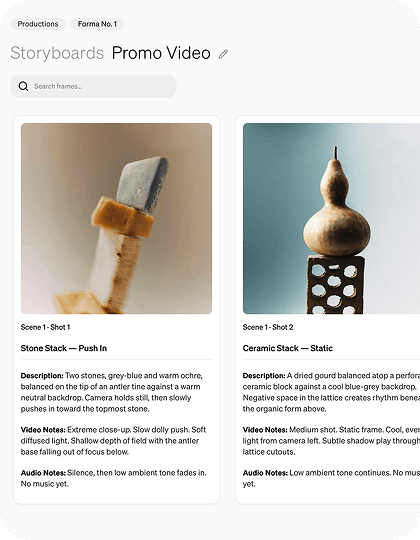
Storyboard maker
FreeSketch out your shots frame by frame with images and notes.

Styling board
FreeOrganize your looks with reference images and per-look item lists.